The group birthday card, minus the reply-all
Group birthday cards,
signed by everyone,
sent as one
Start an online birthday card, share one link, and the whole team signs from their own phone. The AI drafts the cover and the opening note. You just pick who it's for
- No app or account to sign
- Signed from any phone
- Free to start




Birthday photo templates
Put the birthday person
on the moon, or on stage
Upload a photo of the birthday person and pick a scene. AI redraws them into it as the star of the cover, then the whole group signs the card


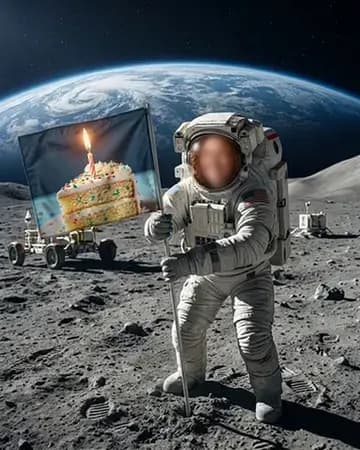 Cake on the moon
 Maya, 30 today
How it works
From one sentence to a signed card in minutes
The birthday card used to take ten Slack messages and a folded piece of paper passed around the office. Now it takes one link

Tell us who it's for in a sentence e.g. "Mira turns 30 Thursday, loves botanical illustration." The AI drafts a cover and an opening note you can regenerate any time
Drop the link in your group chat. Each person adds their note from their own phone, picks an ink color, and can add a GIF. It stays private until you send
When the card is full, send it on the morning of the birthday by email or a shareable link. It opens beautifully in the browser with every signature
Works with Slack
Create cards without leaving Slack
Install the CardShare.ai bot and send a personalized card in seconds, directly from any channel or DM

- 1
Type /cardshareai in any channel
A form opens inline. Choose the card type, add the recipient's name, pick a tone, and drop in any context
- 2
Hit Create
AI generates a personalized headline and cover image. No prompting required
- 3
Card link lands in the channel
Share it with the team so everyone can sign, or send it straight to the recipient
 Create a card
Birthday cards for every kind of person
Pick the one you need

Priya, the cake is not a meeting invite

Mark, still better than the remix

40 floors of fun, Leo. Mind the edge

Zoe, the dog ate your present

Mom, we brought scones and zero chaos
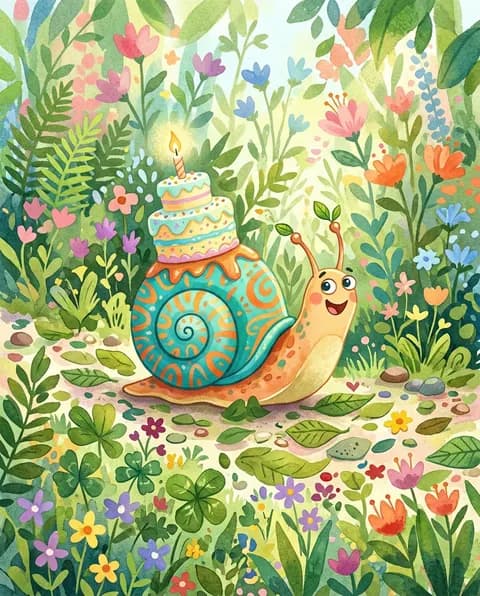
Sam, we were one snail away from on time
Birthday card FAQs
Everything about sending one
How do group birthday cards work?
Start a card, share one link, and everyone adds their note from their own phone or laptop. No one sees the card until you decide it's full and send it. It arrives as a single, beautifully laid-out card when you send it.
Can everyone sign the same birthday card online?
Yes. There's no limit on signers. Each person places their message anywhere on the page, picks an ink color, and can add a GIF. The card stays completely private until you send it.
Is CardShare.ai free?
Yes. You can design a card, collect signatures, and send it for free, and nobody who signs needs an account.
How do I send a birthday card by email or text?
When the card's ready, enter the recipient's email address or copy a shareable link to drop into a text. They open it right in the browser. Nothing to download or install.
Can I set the card up before their birthday?
Yes. Start it weeks ahead and leave the link open while people sign. Nothing is sent until you decide it's ready, so you can send it on the morning of the birthday.
Can I add GIFs or a group message?
Every signer can add a GIF alongside their note, and the AI can draft a shared opening message that sets the tone for the whole card.
More occasions
The same card for every moment

Five years, James

James & Emma

Congrats, Aria!

Thank you, Alex

Good luck, Dan

Well done, Taylor

Happy Retirement, Linda

Get well soon, Ben

With deepest sympathy

Welcome, baby Noah

Congrats, Grad!
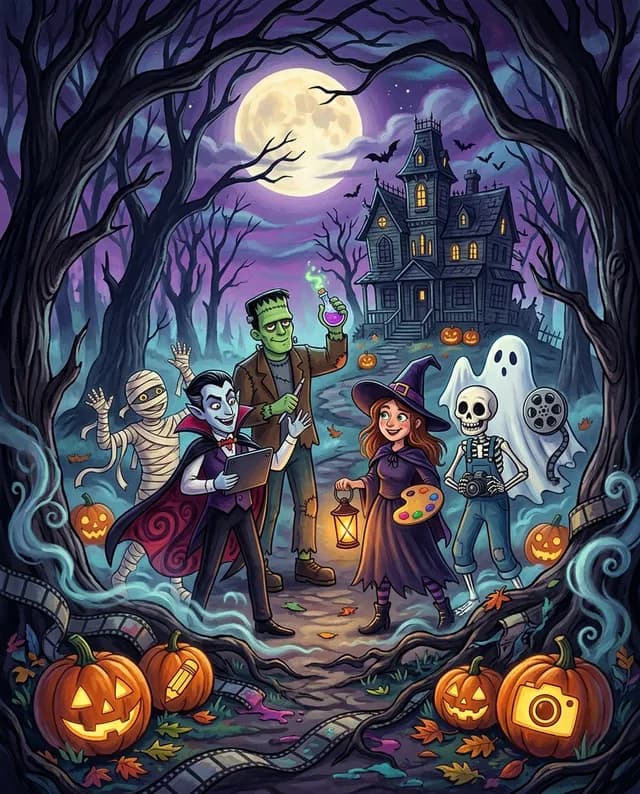
Happy Halloween

Happy Holidays
Whose birthday is coming up?
Set up the card in two minutes, share the link, and let everyone sign. We'll handle the cover and the layout