The newest arrival deserves a full card
New baby cards
signed by everyone,
kept forever
Start a new baby card, share one link, and let everyone add their congratulations from their own phone. The AI designs the cover. Perfect for baby showers and colleagues heading off on parental leave
- No app or account to sign
- Signed from any phone
- Free to start

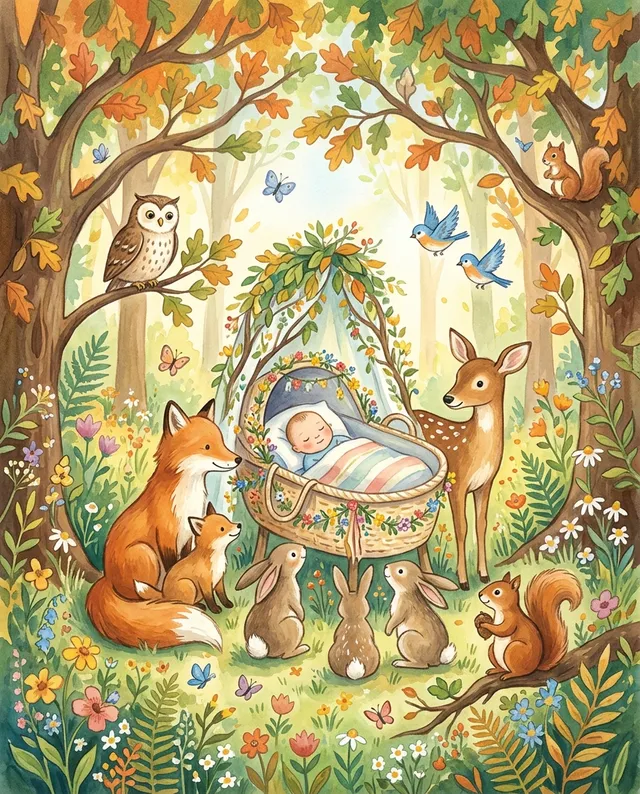


New baby photo templates
Show off their
new parenting skills
Upload a photo of the new parent and pick a scene. AI redraws them into it as the star of the cover, then the whole group signs the card


 Nappy juggler
 Maya, new parent
How it works
From one sentence to a signed card in minutes
New parents don't have time to open a stack of envelopes. One card, every message, ready whenever there's a quiet moment
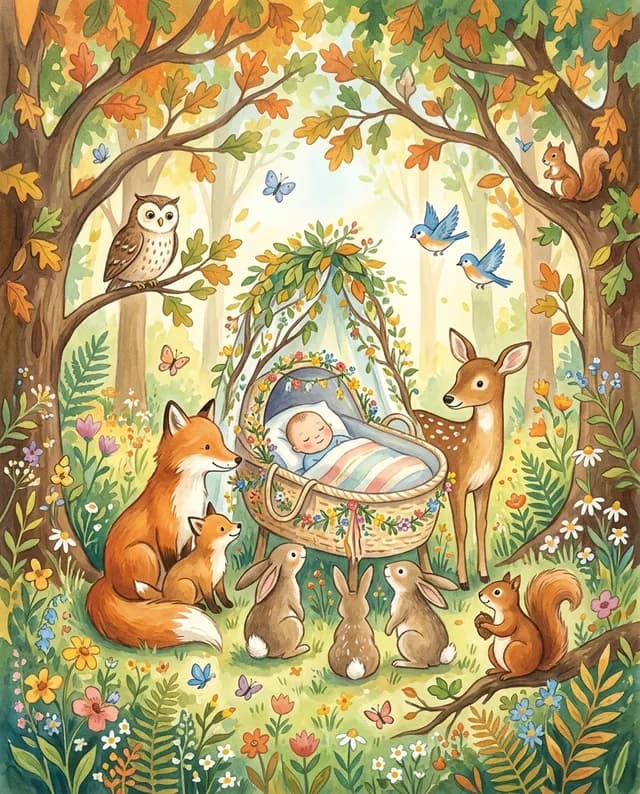
Describe it in a sentence e.g. "Priya and Sam just welcomed baby Noah." The AI drafts a cover and an opening note you can regenerate any time
Share it in the team channel or the family chat. Everyone adds a note, and a GIF if they like, from their own phone
Send it by email or a link, or share it at the baby shower. The parents can open it whenever they get a moment
Works with Slack
Create cards without leaving Slack
Install the CardShare.ai bot and send a personalized card in seconds, directly from any channel or DM

- 1
Type /cardshareai in any channel
A form opens inline. Choose the card type, add the recipient's name, pick a tone, and drop in any context
- 2
Hit Create
AI generates a personalized headline and cover image. No prompting required
- 3
Card link lands in the channel
Share it with the team so everyone can sign, or send it straight to the recipient
 Create a card

Baby cards for every occasion
Pick the one you need
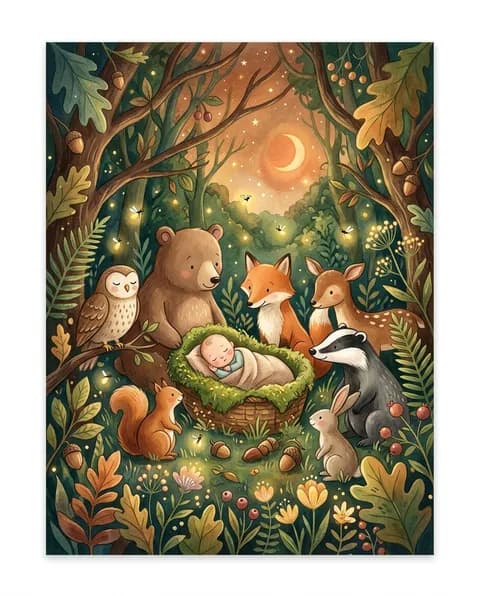
Welcome, baby Noah
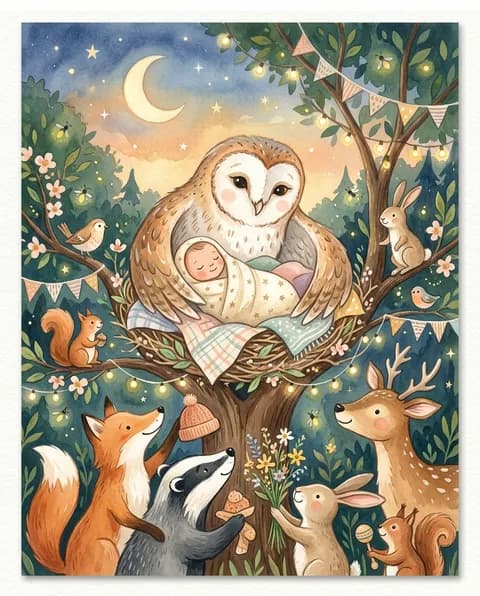
Oh baby!
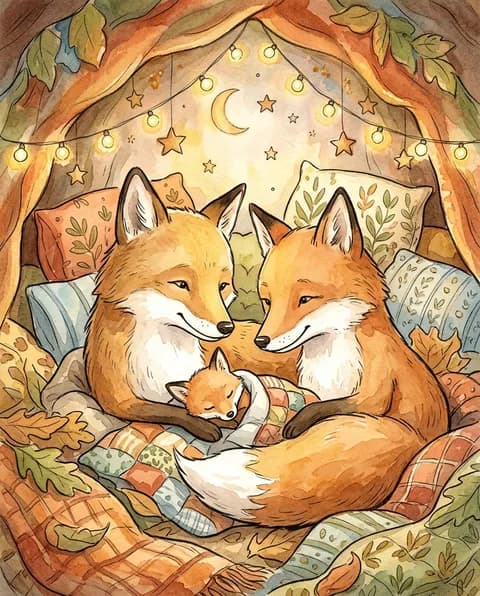
Congrats, Mo and Ali
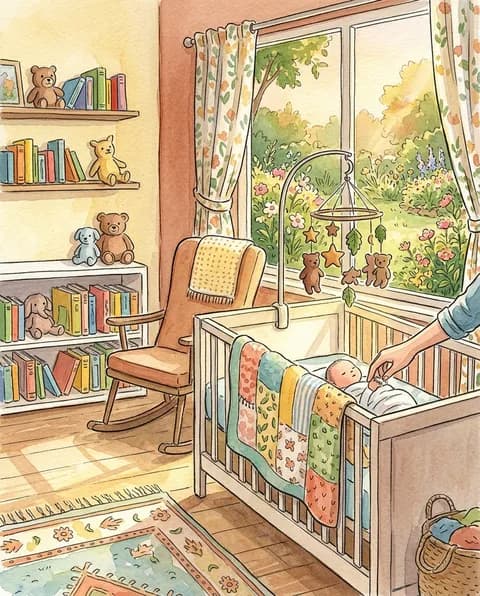
Welcome home, Ivy
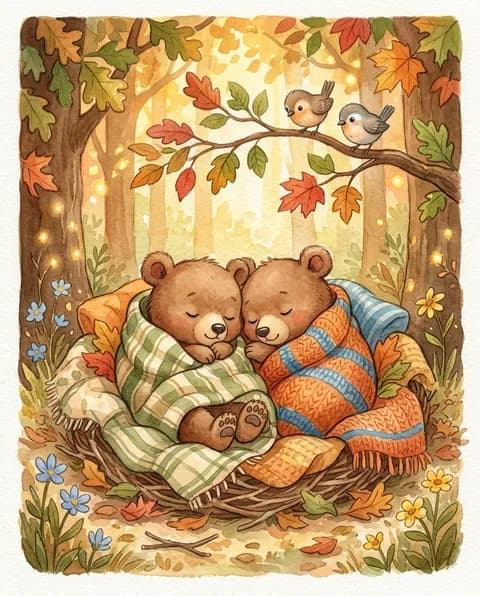
Double trouble!
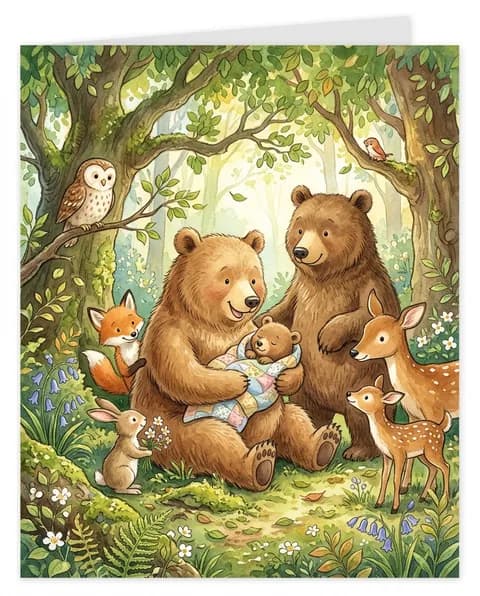
Hello, little one
New baby card FAQs
Everything about sending one
How do group new baby cards work?
Start a card, share one link, and everyone adds their note from their own phone or laptop. When it's ready, send it by email or a link the new parents can open any time.
Can I use it for a baby shower?
Yes. Share the link before the shower so guests who can't attend can still sign, then send or present the card on the day.
What should I write in a new baby card?
Congratulate them, welcome the baby by name, and add a warm wish or a light joke about sleep. The AI can draft an opening note for the group.
Can people add GIFs?
Yes. Each signer can add a GIF alongside their note, picked from a built-in search.
Is CardShare.ai free?
Yes. You can design a card, collect signatures, and send it for free, and nobody who signs needs an account.
More occasions
The same card for every moment

Happy Birthday, Mira

Five years, James

James & Emma

Congrats, Aria!

Thank you, Alex

Good luck, Dan
Well done, Taylor

Happy Retirement, Linda

Get well soon, Ben

With deepest sympathy

Congrats, Grad!
Happy Halloween

Happy Holidays
Who's welcoming a little one?
Set up the card in two minutes, share the link, and let everyone send their congratulations. We'll handle the cover and the delivery